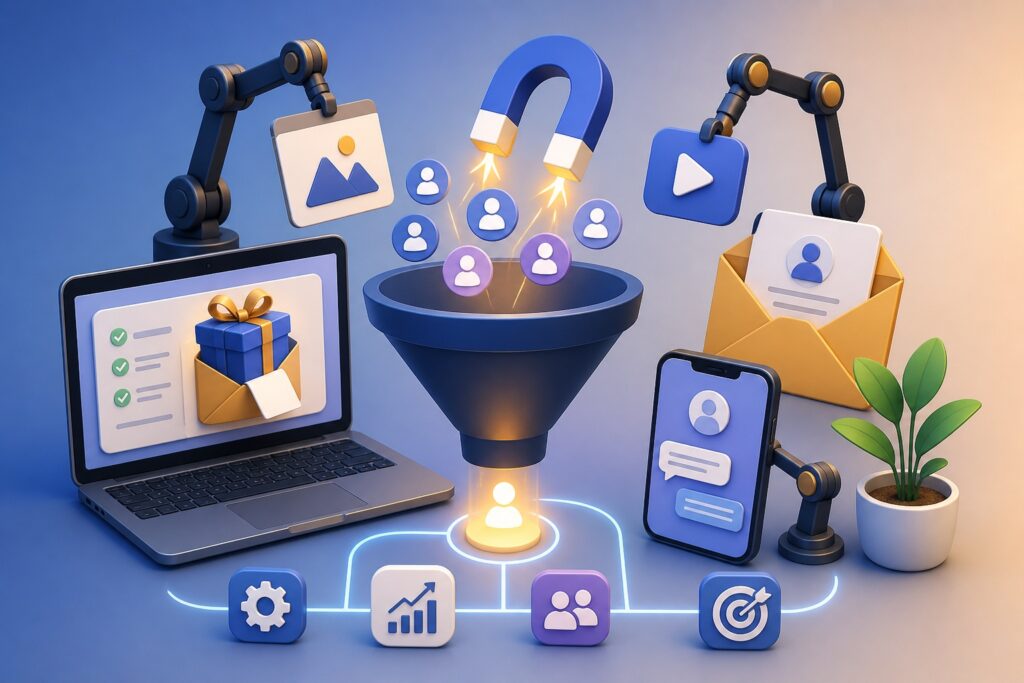
Many businesses spend countless hours creating free resources to attract potential customers. They design downloadable guides, publish educational videos, offer free consultations, and build email courses, hoping these valuable resources will eventually generate paying clients. While these free offers can successfully attract attention, many business owners struggle with what happens next.
Without an organized system, leads disappear into overflowing inboxes, spreadsheets become outdated, and follow-up messages are forgotten. Someone who downloaded a free checklist six months ago might be ready to buy today, but if you cannot easily find their information, you’ve likely lost a valuable opportunity.
This is where Customer Relationship Management (CRM) software becomes one of the most valuable investments for any growing business. A CRM doesn’t simply store names and email addresses. It allows you to understand where each potential client is in their buying journey, automate follow-ups, personalize communication, and identify which free offers consistently generate the highest-quality customers.
Whether you’re a freelancer, consultant, agency owner, coach, local service provider, or online entrepreneur, using a CRM correctly can transform scattered leads into organized opportunities and consistent sales.
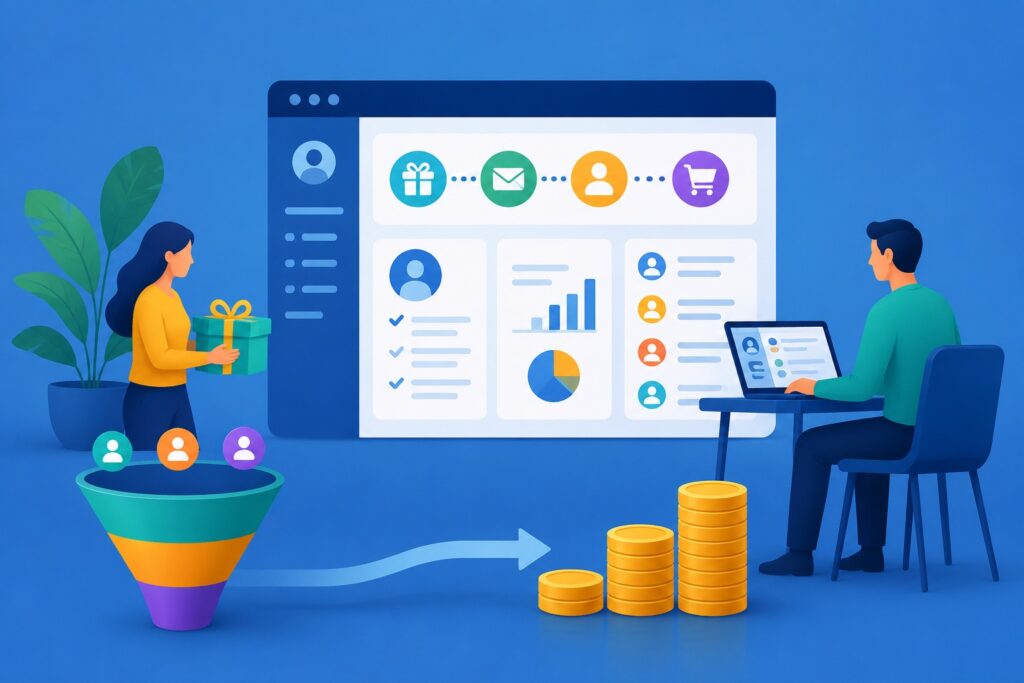
Why Tracking Free Offers Matters
Free resources are often the first interaction someone has with your business. They may download an ebook, subscribe to a newsletter, register for a webinar, or request a free estimate because they’re researching solutions—not necessarily because they’re ready to purchase immediately.
Some prospects buy within hours.
Others may take weeks.
Many won’t make a purchasing decision for several months.
If you lose track of these individuals after the initial interaction, you’ve wasted the time and effort invested in creating valuable content.
Tracking every lead helps you:
- Understand how people discover your business
- Identify which free offers convert best
- Send relevant follow-up emails
- Build trust before making a sales offer
- Increase conversion rates without increasing advertising costs
Instead of starting from scratch with every marketing campaign, you build a growing database of interested prospects.
What Is a CRM?
A Customer Relationship Management (CRM) system is software designed to organize customer information, monitor interactions, and simplify communication throughout the sales process.
Think of it as the central hub for every conversation your business has with potential and existing customers.
Rather than relying on sticky notes, spreadsheets, or memory, everything is stored in one location, including:
- Contact information
- Email history
- Phone calls
- Meeting notes
- Downloaded resources
- Sales stage
- Tasks
- Appointments
- Purchase history
As your business grows, this organization becomes increasingly valuable.
Mapping the Client Journey
One of the biggest advantages of CRM software is visualizing each stage of the customer journey.
A simple pipeline may look like this:
Visitor → Free Download → Email Subscriber → Qualified Lead → Consultation → Proposal → Customer → Repeat Customer
Each stage represents progress.
Instead of wondering where a prospect stands, you immediately know which action should happen next.
Collect Better Lead Information from Day One
Many businesses only ask for an email address.
While this keeps forms simple, gathering a little more information can improve future communication.
Consider collecting:
- First name
- Business name
- Industry
- Website
- Company size
- Primary challenge
- Service interest
This information allows you to segment leads and provide more personalized follow-up content.
Automatically Import Leads into Your CRM
One common mistake is manually transferring leads from forms into spreadsheets.
Automation eliminates this problem.
Modern CRM systems can automatically receive information whenever someone:
- Downloads an ebook
- Signs up for a webinar
- Books a consultation
- Requests pricing
- Completes a contact form
- Joins your email list
This creates an uninterrupted workflow with fewer errors.
Organize Contacts with Tags
Not every lead has the same interests.
Tags help separate contacts based on their behavior.
Examples include:
- Ebook Download
- Webinar Attendee
- Free Consultation
- Pricing Requested
- Newsletter Subscriber
- Returning Visitor
- Existing Client
These tags make future marketing significantly more targeted.
Use Lead Scoring to Identify Sales Opportunities
Not every subscriber is equally interested.
CRM software often includes lead scoring, assigning points based on user behavior.
For example:
- Downloaded guide: 10 points
- Opened five emails: 20 points
- Visited pricing page: 25 points
- Booked consultation: 40 points
- Requested proposal: 60 points
Higher scores indicate stronger buying intent, allowing sales teams to prioritize their outreach.
Build Automated Follow-Up Sequences
The first download shouldn’t be the last interaction.
Automation keeps your business in front of potential customers without requiring daily manual effort.
A simple sequence might include:
Day 1: Deliver the free resource.
Day 3: Share additional educational content.
Day 7: Provide a helpful case study.
Day 10: Invite the prospect to schedule a consultation.
Day 14: Introduce your paid service.
The goal is to educate first and sell later.
Monitor Client Engagement
CRMs provide valuable insight into customer activity.
You can often see when someone:
- Opens emails
- Clicks links
- Downloads resources
- Visits important pages
- Responds to campaigns
- Books appointments
These insights help determine the best time for personal follow-up.
Create Tasks So No Lead Is Forgotten
Busy schedules often cause promising opportunities to slip away.
CRM reminders solve this problem.
Examples include:
- Call tomorrow
- Send proposal Friday
- Follow up after webinar
- Check in after two weeks
- Renew annual contract
Small reminders often lead to significant revenue.
Track Which Free Offers Generate Sales
Not all lead magnets perform equally.
Your CRM data can reveal which resources consistently attract qualified buyers.
You may discover that:
- Webinars produce larger contracts.
- Templates generate more consultations.
- Checklists create higher email engagement.
- Free audits convert faster than ebooks.
These insights help you invest your marketing budget more wisely.
Segment Your Audience for Better Results
As your contact list grows, sending the same email to everyone becomes less effective.
Instead, organize contacts into meaningful groups.
Possible segments include:
- New subscribers
- Warm leads
- Previous customers
- Local businesses
- Online entrepreneurs
- Agencies
- Consultants
Relevant messaging consistently performs better than generic broadcasts.
Personalization Builds Trust
People respond positively when businesses remember previous conversations.
Instead of sending a generic email, your CRM can remind you that someone:
- Downloaded your SEO checklist.
- Attended your webinar.
- Requested pricing last month.
- Asked about a specific service.
This context makes every conversation feel more personal and helpful.
Use CRM Reports to Improve Marketing
One overlooked benefit of CRM software is reporting.
Instead of guessing what’s working, you can measure:
- Conversion rates
- Email engagement
- Sales pipeline value
- Revenue by lead source
- Average sales cycle
- Best-performing campaigns
Reliable data leads to better marketing decisions.
Common Mistakes to Avoid
Even the best CRM cannot improve results if it isn’t maintained.
Avoid these common mistakes:
- Failing to follow up promptly
- Leaving outdated contact records
- Ignoring lead scoring
- Sending identical emails to everyone
- Not tracking where leads originated
- Forgetting to update sales stages
Consistency is far more important than complexity.
Choosing the Right CRM
The ideal CRM depends on your business size and goals.
Look for features such as:
- Contact management
- Email automation
- Lead scoring
- Workflow automation
- Calendar integration
- Sales pipeline management
- Reporting dashboards
- Mobile access
- Third-party integrations
Select software that supports your current needs while allowing room for future growth.
Frequently Asked Questions
Can a small business benefit from a CRM?
Absolutely. Even a solo entrepreneur can save time by organizing leads, automating follow-up emails, and keeping customer information in one place.
Should every free offer be tracked?
Yes. Every download, consultation request, webinar registration, or newsletter signup provides valuable information that can help you understand customer behavior and improve future marketing campaigns.
How long should leads remain in a CRM?
Many prospects take months before making a purchase. Maintaining organized records allows you to reconnect with interested individuals when they’re ready to buy.
Is automation better than manual follow-up?
Automation ensures consistent communication, while personal follow-up builds stronger relationships. The best approach combines both.
Final Thoughts
Creating valuable free resources is only the first step in attracting new business. The real opportunity lies in what happens after someone downloads your guide, joins your email list, or requests a free consultation.
A well-managed CRM transforms disconnected interactions into an organized customer journey. By tracking every touchpoint, automating timely follow-ups, segmenting your audience, and measuring campaign performance, you can build stronger relationships and convert more interested prospects into loyal, long-term clients.
Rather than wondering where leads came from or which marketing efforts are producing results, you’ll have clear data to guide your decisions. Over time, this organized approach not only increases sales but also creates a smoother experience for every potential customer who engages with your business.
The written content on this page was generated by ChatGPT.